

- Keeper helps freelancers and independent contractors with tax-related write-offs.
- Automatically scans your bank and credit card statements for tax-deductible expenses.
- An annual subscription costs $99-$399.
Keeper is an app that helps independent contractors, freelancers, and employees file their tax returns while tracking work-related expenses.
The app is available for both iOS and Android devices, or you can use a web-based desktop version. Keeper could be a good fit if you want to stay organized come tax time. It’s important to consider pricing and features before signing up.
Here’s a closer look at Keeper Tax and what you need to know if you’re looking for an app to track expenses and file taxes. Or, see how Keeper compares in our annual showdown of the best tax software here.
What Is Keeper?
Keeper, formerly known as Keeper Tax, started as an app for expense tracking and tax filing for independent contractors and small business owners. It has expanded to handle common individual and household taxes as well through a new “Just Filing” plan.
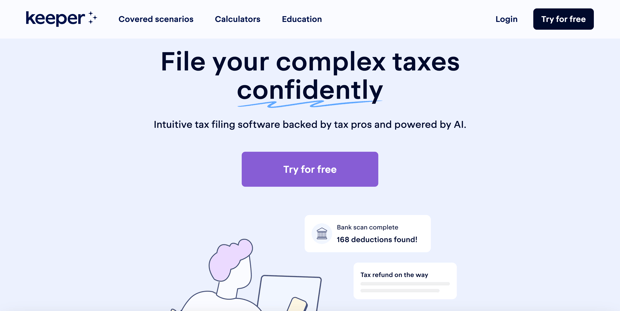
Keeper can scan your bank and credit card statements to identify expenses to track and write off, helping lower your tax bill. It also handles your tax filing and provides tax professionals to answer questions about filing.
The company, founded in 2018 by Paul Koullick and David Kang, has rebranded from Keeper Tax to Keeper. The app is highly rated on both the Apple App Store and Google Play.
How Does Keeper Work?
Warning: Annual Subscription Required!
Keeper is a mobile-first app that works online and on your phone. Users link their bank and credit card accounts to the app to automatically scan purchases for potential write-offs.
After signing up with Keeper, you’ll be asked a series of questions before you can move on to the next screen. For example, it asks if you’re a freelancer, an employee, or a business owner. It also asks whether you use your vehicle for work.
How Much Does Keeper Cost?
There’s a free seven-day trial with Keeper. Once that ends, here are your pricing options:
- Just Filing: $99 per year
- Filing + deductions: $199 per year
- Premium: $399 per year
The former monthly expense-tracking plan is no longer available. Now it’s all about the three annual subscriptions, which include the option to file your taxes at no additional cost.
Notable Keeper Features
Let’s take a look at some key features from Keeper.
Tax Pro Help
When you use a platform to help you file your taxes, you may not have access to a live expert. Or, if you do, you’re required to upgrade to a higher tier. The nice thing about Keeper is that you have access to a tax expert who can answer questions for you. It may not be over the phone, but at least you can have someone help you with your specific issue.
Keeper prides itself on being a top educational content producer for those with 1099 taxes, so they may also be able to serve you with a video, article, or provide you with a calculator.
Audit Protection
Beyond an expert to answer your questions, you may want to know what would happen if you were to be audited by the IRS. Keeper provides audit protection, which means their team of tax assistants will help gather any necessary documents to send to the IRS if you’re subject of an audit. They will also provide you with access to CPAs and tax experts who can answer any questions.
Write-Off Detection
Cool Feature: Keeper uses AI to help find and categorize transactions for possible credits or deductions.
Keeper offers write-off detection, which scans your credit card and bank accounts and notifies you of expenses you can write off. Keeper analyzes up to 18 months of transactions to identify which tax breaks may have been missed automatically. Then, all of the deductions are categorized and automatically added to your tax return. Keeper also double-checks the deductions to make sure they won’t raise red flags with the IRS.
A few steps are involved before you can use this feature, including letting Keeper know what kind of work you do. Then you need to link your accounts to Keeper so it can scan your transactions.
Tax Bill Prediction
No one likes getting surprised by a huge tax bill, which is why Keeper gives you year-round estimates of how much you will likely owe or how much your refund will be.
You must input your status, state, W-2, and 1099 income to calculate this number instantly. Their calculations include all federal and state taxes, as well as deductions and credits.
This is a helpful feature because you know how much to save or how much you’re getting back, so you can budget for taxes in advance.
Tax Filing
Since Keeper already scans your tax write-offs and gets you ready for tax season, filing your taxes with Keeper may make sense. It offers automatic tax form uploads and pre-fills documents for you. In general, it’s a very user-friendly experience for filers.
You can file your entire taxes using your smartphone. Keeper says, on average, it takes users 22 minutes to file their taxes. Once you submit, a tax professional reviews your documents before submitting to the IRS.
How Does Keeper Compare?
Even though Keeper is an easy-to-use platform that helps you with bookkeeping and filing, it has limited accounting features. You have to pay $199+ for the year to manage your expenses, but you have no access to the in-depth reports and features you get with QuickBooks, Xero, or other bookkeeping apps.
For a cheaper option, you could check out Hurdlr, a similar accounting, bookkeeping, and income tax app that is totally free with the option to upgrade to Premium at $8.34 per month (billed annually) or go with their month-to-month option at $10 a month. Hurdlr offers a Pro plan at $16.67 per month (billed annually).
Everlance helps freelancers track their business expenses and revenues. The app makes filling out a Schedule C for your taxes easy. Everlance offers a free 10-day Premium trial, but many features are available in its free version. Everlance Premium features special customer service access, PDF reports, and automatic trip tracking. Premium costs $8 per month or $12 per month for Premium Plus.
|
Header |
|
 |
 |
|---|---|---|---|
|
|
||
|
Cell |
If your taxes aren’t that complicated, you could file completely for free. Check out our favorite options to file your taxes for free. For more robust filing options, check out our reviews of TurboTax and FreeTaxUSA.
Visit The College Investor’s Tax Center to learn more about the best tax software, resources, and tools, plus what to understand about your tax return.
To contact customer service, you can email [email protected]. There is no customer service phone number.
How To Sign Up
You’re asked for an email address and a phone number. Then, you’re given an option of whether you want to link your checking or credit card accounts to find eligible write-offs if you freelance, for example.
After answering the questions and entering your email address, you’re asked to download the app via a QR code on your computer, or you can go directly to the App Store or Google Play to download it.
Free Tax Resources And Customer Service
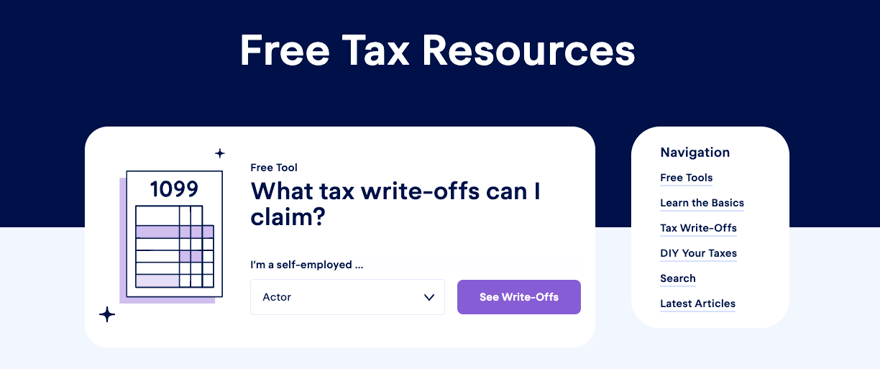
Keeper is big on educating you on what to know about your taxes to help you save money and reduce your taxable income. They do this through their Free Tax Resources page, which houses articles, calculators, tools, and FAQs on their website.
For more specific answers to customers’ questions, visit their help site.
Why Should You Trust Us?
The College Investor team spent years reviewing the top tax filing options, and we have personal experience with most of the tax software tools. I personally have been the lead tax software reviewer since 2022, and have compared most of the major companies on the marketplace.
Our editor-in-chief, Robert Farrington, has been testing tax software since 2011 and has tried almost every tax filing product available. If you’re more of a watcher than a reader, check out our YouTube channel for video reviews and walk-throughs of all major tax prep apps.
We’re tax DIYers and want a good deal, just like you. We work hard to offer informed and honest opinions on every product we test.
Is Keeper Actually A Keeper?
Keeper is an impressive expense-tracking and tax-filing combo. If you freelance, have 1099 income, and your finances are relatively straightforward (i.e., you file a Schedule C), you may appreciate the app. Keeper is easy to use, and the annual cost could be much less than you’d pay for TurboTax or a traditional CPA.
However, if you have a more complicated work, income, and financial situation, for example, if you own rental real estate or buy and sell crypto regularly, you may consider a more robust software like TurboTax or H&R Block, paired with an adequate bookkeeping software suite.